For the past 12 years, I’ve spent my time digging into the guts of home-based businesses and digital-first startups. I have audited hundreds of signup flows and mobile checkouts. I’ve seen brands lose customers in seconds simply because they asked for too much information too soon. When you ask a user for their credit card, you aren’t just selling a product; you are asking them to trust you with their livelihood.
Trust isn't a nebulous, ethereal concept. It is built on specific, measurable interactions. Users make a split-second decision the moment they land on your site: Is this site safe? If you cannot answer that question in under three seconds, you have already lost the conversion.
The Anatomy of a Trust Signal
A trust signals website audit starts at the header. Users look for consistency, professional design, and clear markers of authority. If your site looks like it was built in 2005, or if you rely on aggressive, screen-blocking email capture popups, you’ve failed the first test.
Speaking of popups: nothing screams "I want your data more than I want your user experience" like a full-screen signup form that appears the millisecond a page loads. If you must use them, wait until the user has actually engaged with your content. Better yet, ditch them for inline conversion points. Users don’t trust sites that feel like a gauntlet.
Here is what actually constitutes a trust signal in the modern digital ecosystem:
- Verifiable contact information: A real address and a legitimate support email. SSL Certificates: If your browser bar says "Not Secure," you should not be processing payments. Period. Social proof that isn't staged: Genuine user reviews, not stock photo testimonials from "John D." Transparency in pricing: Hidden fees are the fastest way to trigger a refund request or a chargeback.
The Friction Audit: Counting Every Click
In my line of work, I obsess over the "Click Count." If your registration flow takes more than three steps, you have too many clicks. Every click is an opportunity for a user to reconsider their purchase and leave.
I recently audited a local subscription box service. Their signup flow required the user to create an account, verify an email, choose a shipping preference, and then fill out a three-page survey before even seeing the checkout screen. That is a 12-click nightmare. I stripped it down to three: Identity, Payment, Confirmation.
If you want users to trust you with their money, you must respect their time. If you force them to fill out a 20-field form, you are not protecting your business; you are creating an environment where the user feels like they are providing data to a system that doesn't care about their experience.
Secure Payment Systems: The Backbone of Reliability
When you handle money, your secure payment systems must be bulletproof. This isn't just about encryption; it’s about visibility. Users need to know exactly who is processing their money.
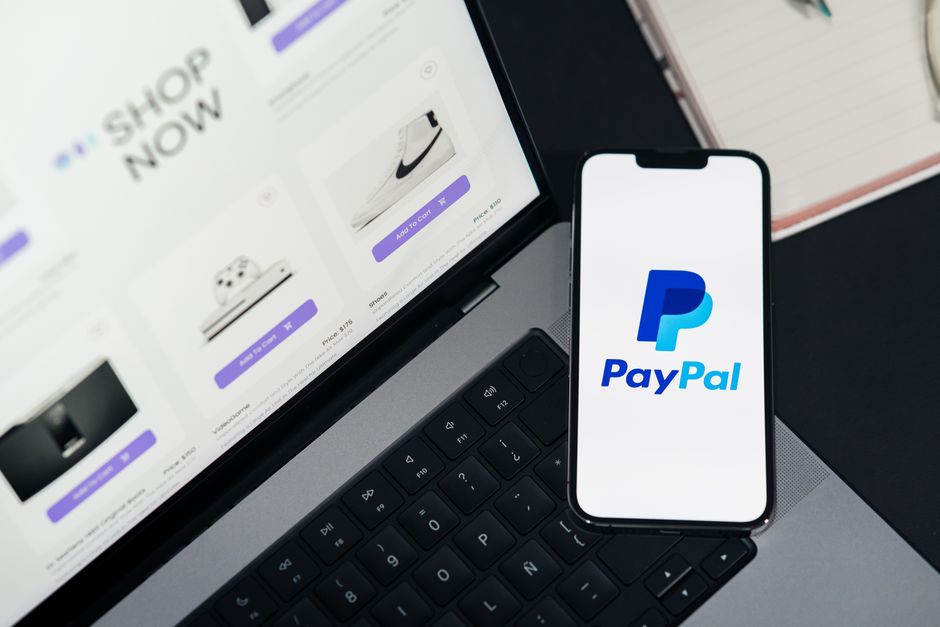
When I advise small business owners, I recommend sticking https://homebusinessmag.com/gambling/online-casino-industry-teaches-about-running-digital-business/ to known, reputable payment gateways like Stripe or PayPal. Why? Because the user already trusts them. When a customer sees the familiar interface, the mental friction associated with entering credit card data decreases significantly. Using an obscure, home-grown payment processor is a massive trust barrier.
Your platform must also clearly state how you handle data. If you use third-party APIs for processing, display the security badges of those providers. It signals that you are following industry standards without needing to write a 5,000-word dissertation on your backend architecture.
Mobile-First Design: The High-Stakes Environment
We live in a mobile-first world. Yet, I still see platforms where the mobile checkout is a disaster of misaligned buttons and tiny text fields. If your mobile checkout requires a user to pinch and zoom to find the "Pay" button, they will close the tab.

A trustworthy mobile platform requires:
Thumb-friendly inputs: Buttons must be large enough to tap without missing. Auto-fill optimization: Use proper HTML input tags (like `type="tel"` or `type="email"`) so the user's browser can auto-fill their info. Visual feedback: When a user taps a button, show them that the system is working. A frozen screen is a panic-inducing experience.If you aren't testing your mobile flow on an actual device—not just a desktop simulator—you are guessing. Don't guess with your customers' money.
Data Security Systems: Beyond the Legal Jargon
Your Privacy Policy is usually a legal document that nobody reads, but your data security systems should be communicated through UX. Use plain language. Instead of a paragraph about "data encryption protocols," use a simple sentence near the checkout: "We use 256-bit SSL encryption to keep your payment details private."
The goal is to reassure, not to educate on cybersecurity engineering. Users don't need a lecture on your server security; they need to know that their credit card number isn't being stored in a plaintext CSV file on your desktop.
Comparison: The Trust Gap
To visualize how these elements impact user behavior, consider this breakdown of a "Trust-Optimized" platform versus a "Low-Trust" platform:
Feature Trust-Optimized Platform Low-Trust Platform Registration Minimal clicks, guest checkout option Mandatory account creation, email verification Payment UI Familiar gateway (Stripe/PayPal) Custom-coded, unknown payment form Mobile Experience Fully responsive, large touch targets Desktop-scaled, requires pinching Transparency All fees shown upfront Hidden fees added at final step Popups None (or context-driven) Aggressive, full-screen blockers
Building Long-Term Trust
Trust is not a one-time setup. It is a commitment to removing friction from the user's life. When you simplify your signup flow, you show that you value the user's time. When you implement robust, visible secure payment systems, you show that you value their assets.
Stop thinking of your website as a brochure and start thinking of it as a utility. Every page, every input field, and every redirect is a moment where the user asks, "Should I be here?" If you provide them with a clear, fast, and secure path to their goal, they won't just trust you with their money; they will come back to do it again.
Audit your own signup flow today. Count the clicks. If you can count past five, start cutting. Your conversion rates will thank you, and your users will breathe a sigh of relief.